Make room for what matters
Due dates, recurring tasks, checklists, notes, a calendar and Kanban help you organise your day. Sign in to the same account to work across devices.

Plan your day, keep ideas close and move shared work forward. Start with the free planner, choose Plus for personal tools or Workspace for teamwork.
Open the planner →Due dates, recurring tasks, checklists, notes, a calendar and Kanban help you organise your day. Sign in to the same account to work across devices.

Personalise your planner and capture tasks faster. Lifetime Plus is a one-time purchase, independent of team membership.
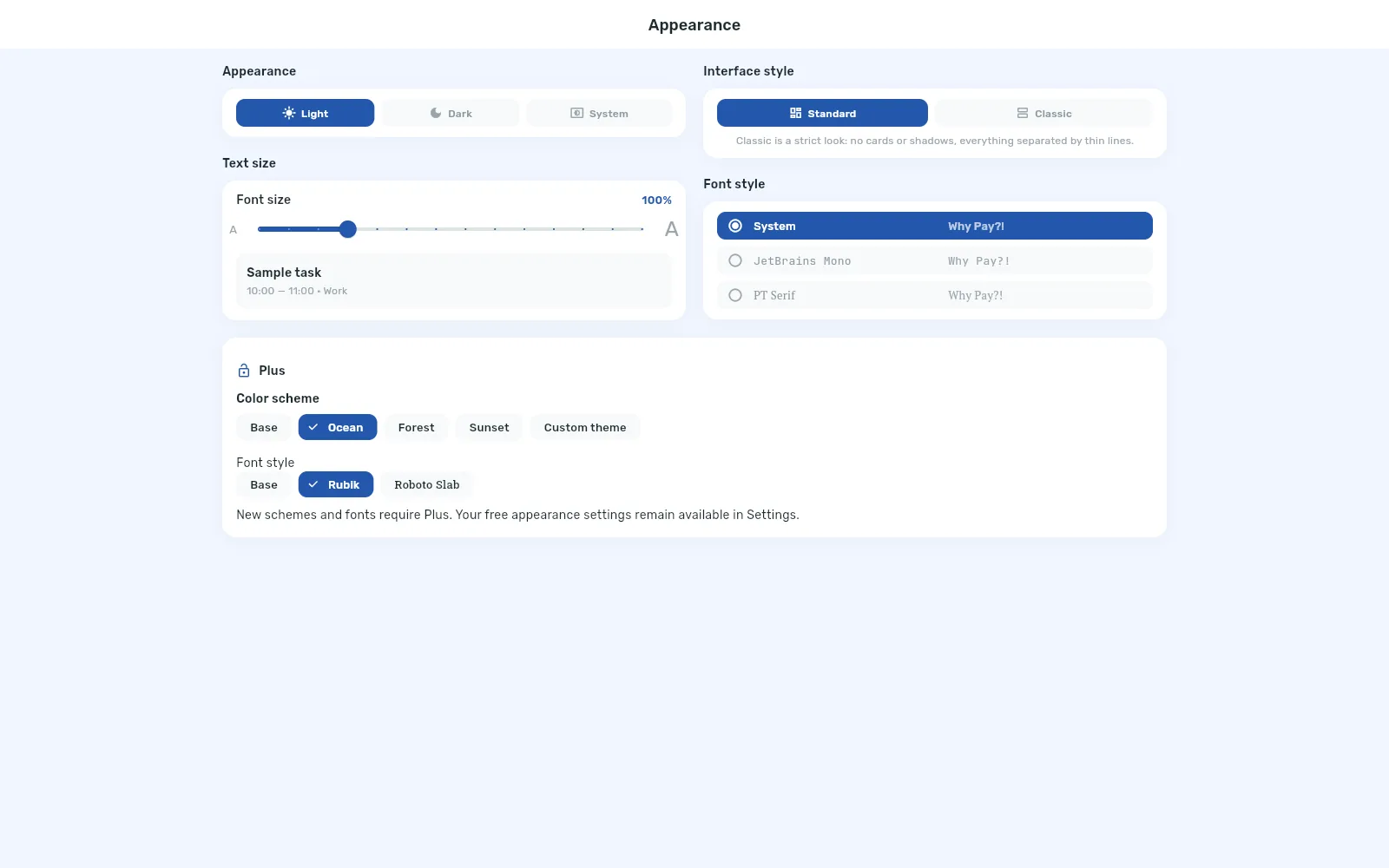
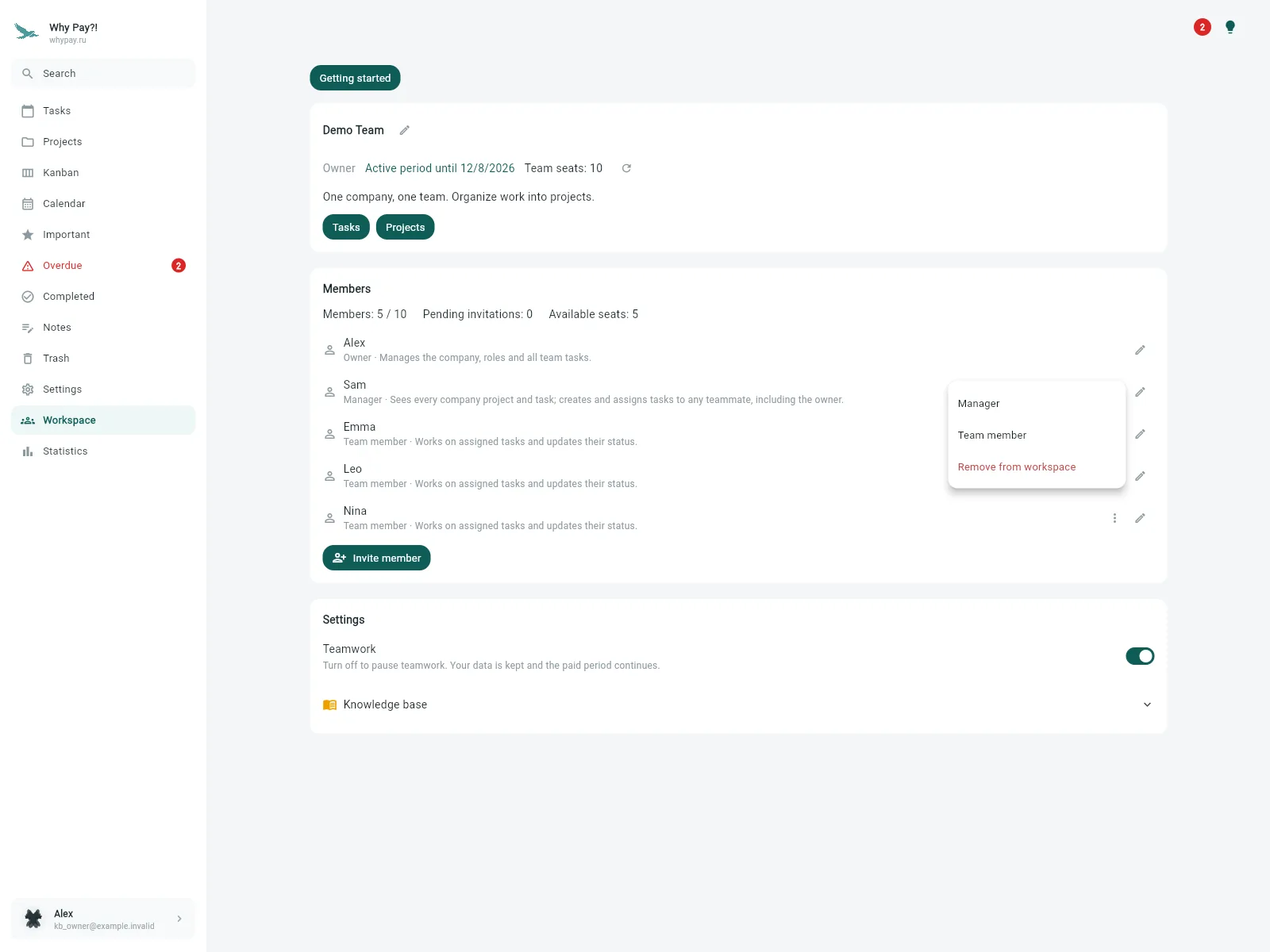
Organise work into projects, invite your team and assign executors and observers. Due dates, statuses and reports make progress easier to follow.
A complete planner, free. Plus adds personal conveniences; Workspace adds teamwork and Plus for your team.
Swipe sideways to compare the columns.
| Features | FreeFor personal tasks | PlusFor personal convenience | WorkspaceFor teamwork |
|---|---|---|---|
| Personal planning — in every plan | |||
| Sync across devices with your account | ✓ | ✓ | ✓ |
| Create and edit personal tasks | ✓ | ✓ | ✓ |
| Task checklists | ✓ | ✓ | ✓ |
| Due dates, times and recurring tasks | ✓ | ✓ | ✓ |
| Personal reminders on supported devices | ✓ | ✓ | ✓ |
| Calendar and daily planning | ✓ | ✓ | ✓ |
| Personal task kanban | ✓ | ✓ | ✓ |
| Notes | ✓ | ✓ | ✓ |
| Personal task categories | ✓ | ✓ | ✓ |
| Important, overdue and completed tasks | ✓ | ✓ | ✓ |
| Task search | ✓ | ✓ | ✓ |
| Trash and restore | ✓ | ✓ | ✓ |
| Basic themes and styles | ✓ | ✓ | ✓ |
| Telegram connection | ✓ | ✓ | ✓ |
| Extra Plus features | |||
| Additional themes, colours and fonts | — | ✓ | ✓ |
| Custom appearance settings | — | ✓ | ✓ |
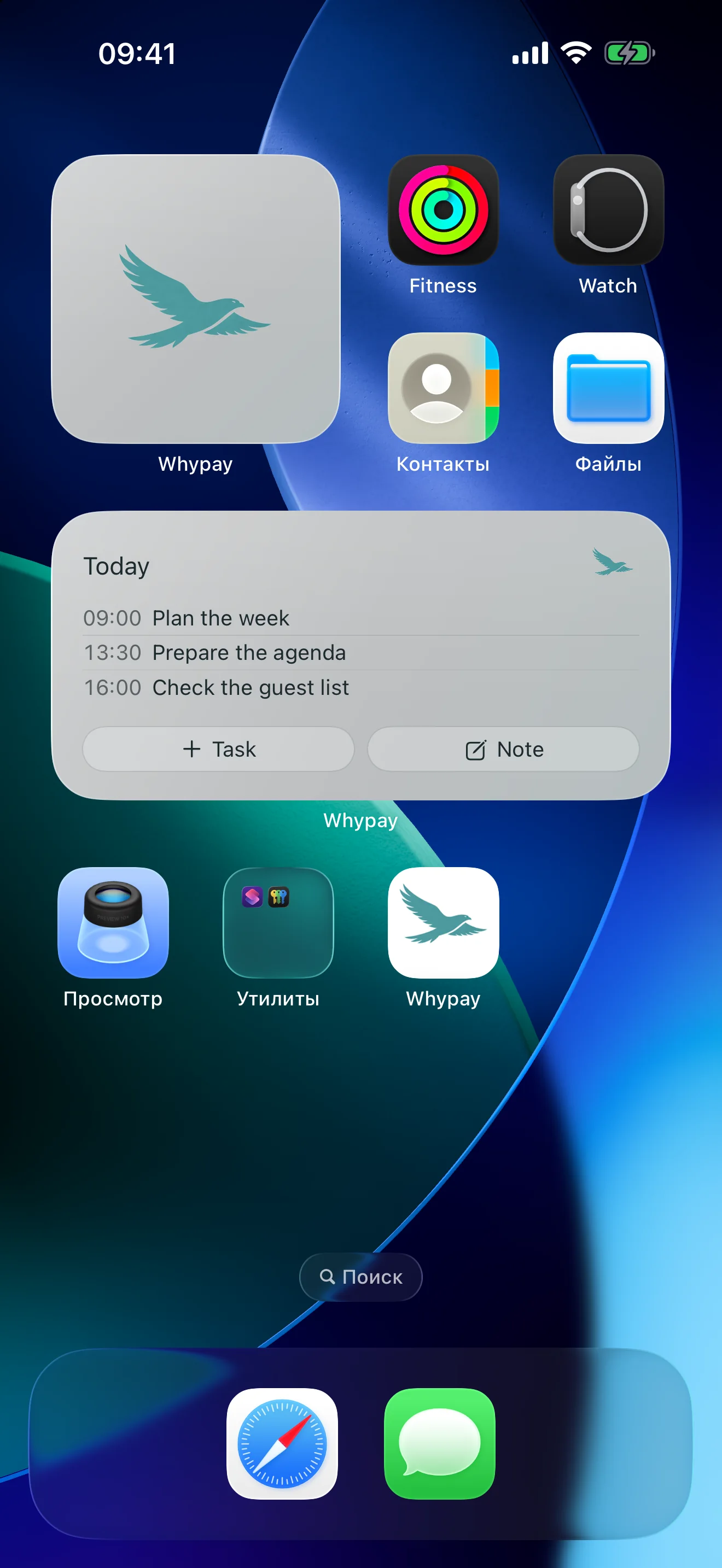
| Mobile task-list widget | — | ✓ | ✓ |
| Quick-launch voice recording widget | — | ✓ | ✓ |
| Create tasks and notes by voice on mobile | — | ✓ | ✓ |
| Export and import personal data (WhyPay JSON) | — | ✓ | ✓ |
| Teamwork in Workspace | |||
| Shared projects and team tasks | — | — | ✓ |
| Member invitations and roles | — | — | ✓ |
| Multiple assignees per task | — | — | ✓ |
| Observers and project member access | — | — | ✓ |
| Shared statuses, calendar and team kanban | — | — | ✓ |
| Team task checklists and recurrence | — | — | ✓ |
| Completion and deadline statistics | — | — | ✓ |
| Personal Plus for every member during the paid period | — | — | ✓ |
| Price | Free | One-time payment $24.49 / ∞ | up to 5 members $5 / month$48 / year* up to 10 members $10 / month$96 / year* |
* The owner pays for the whole team
Sync requires signing in to the same account on your devices. Widgets and voice input are mobile features; reminders depend on the platform and permissions.
Workspace includes all personal Plus features for every member during the paid period. The owner counts towards the 5 or 10 seats. Separately purchased Plus remains yours for life.
Prices shown are USD reference prices. The app store will show the final price and currency. Website payments through YooKassa are charged in Russian rubles; the amount is shown before confirmation.
Payments are being prepared. Real purchases are not yet available on the website.
Plus adds personal features. Workspace adds shared projects and team members, including temporary Plus for every member.
Temporary paid features expire. Projects and tasks are not deleted because a payment period ends. Renewing the same Workspace restores access. A separately purchased lifetime Plus remains available.
No. You can pay for just one month or year. If enabled, auto-renewal can be cancelled while keeping access until the paid period ends.
Language does not restrict payment. YooKassa requires a supported card or another method shown on its payment form. Not all foreign cards are accepted. App-store purchases are still being prepared.
After sales launch, access will be added to the account used for checkout once the payment is confirmed. Returning from the payment page alone is not confirmation.